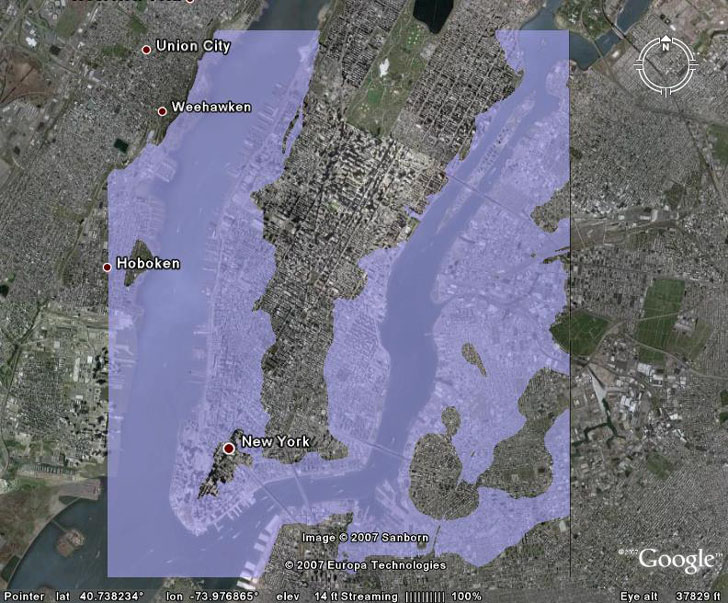
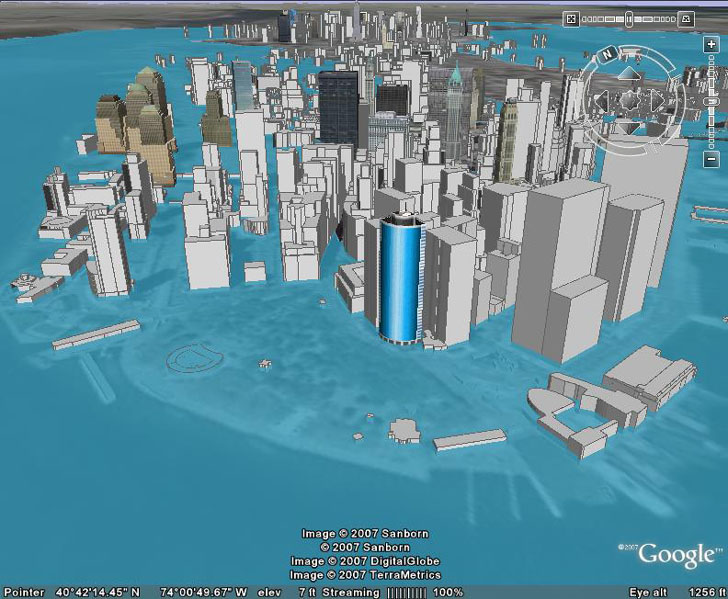
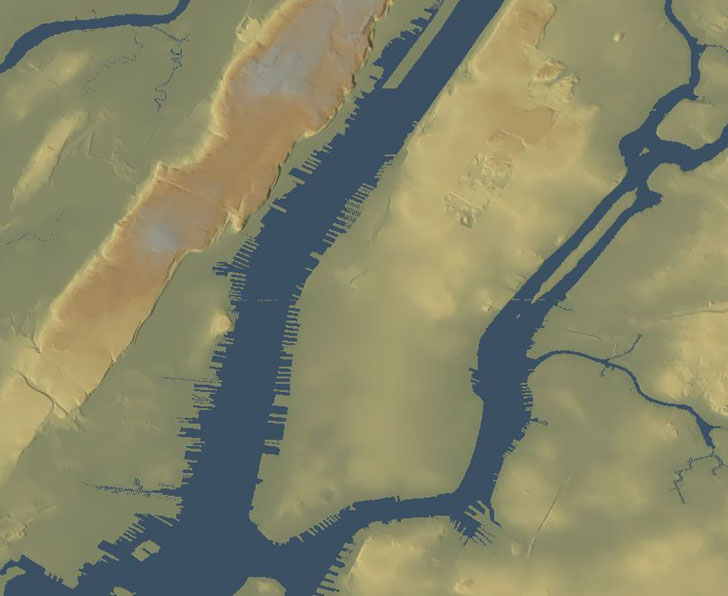
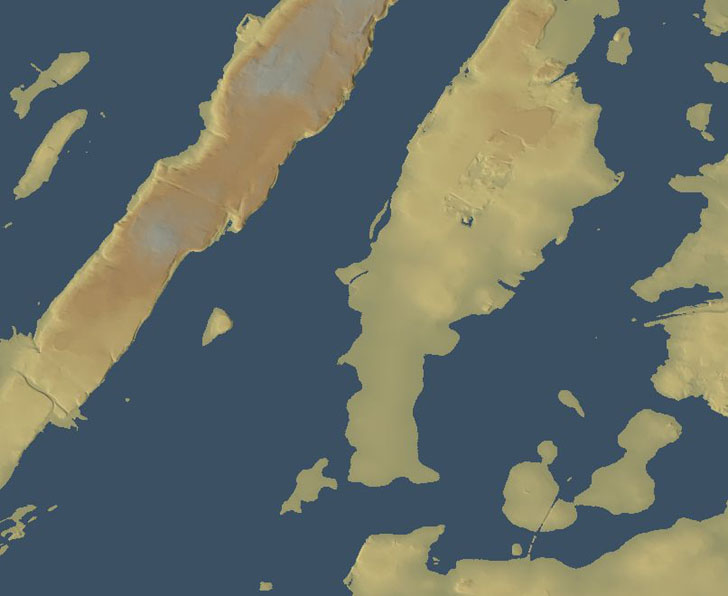
Creating a high-resolution static sea-level rise image for a specific sea level rise value, and displaying it in Google Earth, is fairly straightforward (see thesethreeposts for the details):
But creating an animated version viewable in Google Earth, comparable to this animation created in MicroDEM …
… takes a bit more work, including diving into the KML code. But while it’s a bit time-consuming, it’s not that hard, and the results are worth it:
Addendum: Do read the rest of this post, but also check out the next post in the series as well for even cooler effects.
If you read the earlier post, you’ll see that it’s a fairly convoluted process to convert a raster graphic image into a vector KML format, involving multiple steps that may not be that straightforward for a GIS newbie. But there’s an alternative path: take the original raster graphic image, and import that into Google Earth as an image overlay. This post will show specifically how to do that for the sea level rise image, but the process can be used with any generic image overlay.
For general map relief shading, my first choice is usually 3DEM, since it usually gives the best results. But MicroDEM also does a decent job at terrain relief shading, and has a few other shading options that 3DEM lacks.
Got a note from Frank Taylor over at the Google Earth Blog saying that it looked pretty interesting, and that he would have linked to it if it were in Google Earth. That got me to thinking about how you could show the effects of coastal sea level rise in Google Earth with high spatial resolution, both static and animated. I’ll start with the easy one: static.
In a previous post, MicroDEM was used to determine when the sun was visible from a particular location for any day of the year, including blockage by topography. But MicroDEM can also assess that data for a number of contiguous locations, determine for each of them how much sunlight they get during the day, and create a map of that total daily insolation. In a sense, it can create a solar “viewshed” map for a specific area. That might be of interest to solar energy enthusiasts, or those studying plant/animal microhabitats.
An earlier post described how to use MicroDEM in conjunction with Trimble’s Planning Software to assess the effects of GPS satellite signal blockage by topography on GPS position error. But MicroDEM also has a built-in function that lets you calculate the times of day when the sun is blocked by the local terrain, and when it’s visible. Handy for photographers looking to shoot in sunlit conditions, campers who’d prefer shade early in the morning, and so on.
JS writes, “I am doing a very small wireless operation in Catalonia, and it would be very interesting to have the coverage map of the antennas. Do you know any free (or cheap) tools to do that and place it on Google Earth?” I know of two free Windows tools useful in analyzing radio coverage. The first one is a general purpose terrain analysis program that will give “quick and dirty” plots of line-of-sight coverage and required antenna heights fairly easily. The second, more sophisticated program is specifically designed for determining broadcast coverage and signal strengths, but is also more difficult to use. Getting the data products into Google Earth can take some work, but can be done.
And here’s what it would look like with 8 meters of flooding, due either to a hurricane storm surge or global-warming-induced sea level rise:
The problem with the latter image is that 3DEM did a basin flood, i.e. it filled in all the terrain that was less than 8 meters below sea level, without taking topography into account. For example, a range of hills could lie between some lowlands and the sea, but 3DEM wouldn’t take that natural dam into account. But I also posted an animated flooding map of the same area that did take that terrain blocking into account (click on the “play” button to view the animation):
Today’s post will show how to create such a flooding animation.
Contents of the Free Geography Tools Blog copyright 2007-2018; all rights reserved.
Determining the accuracy, reliability, validity, or appropriateness of any of the software or data written about in this blog for any uses is the sole responsibility of the reader, not the authors of the blog posts. The blog authors have no liability for any uses of the software or data described here.
Shopping at Amazon through the link below helps support the site. Thanks!