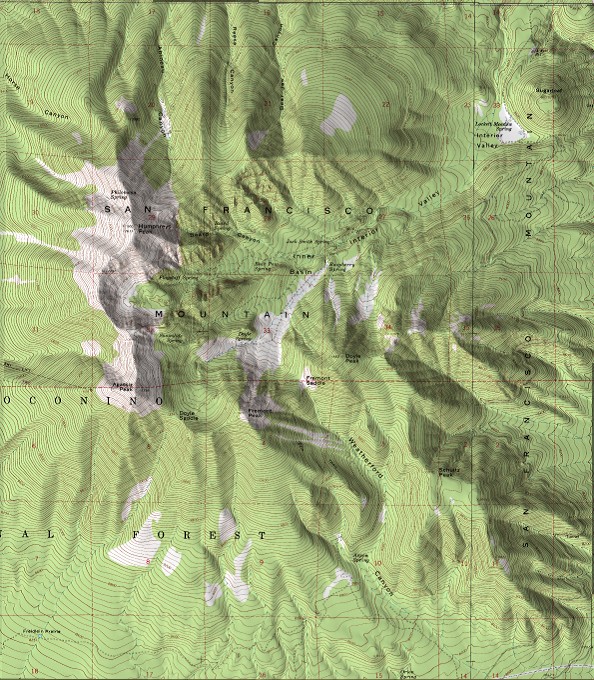
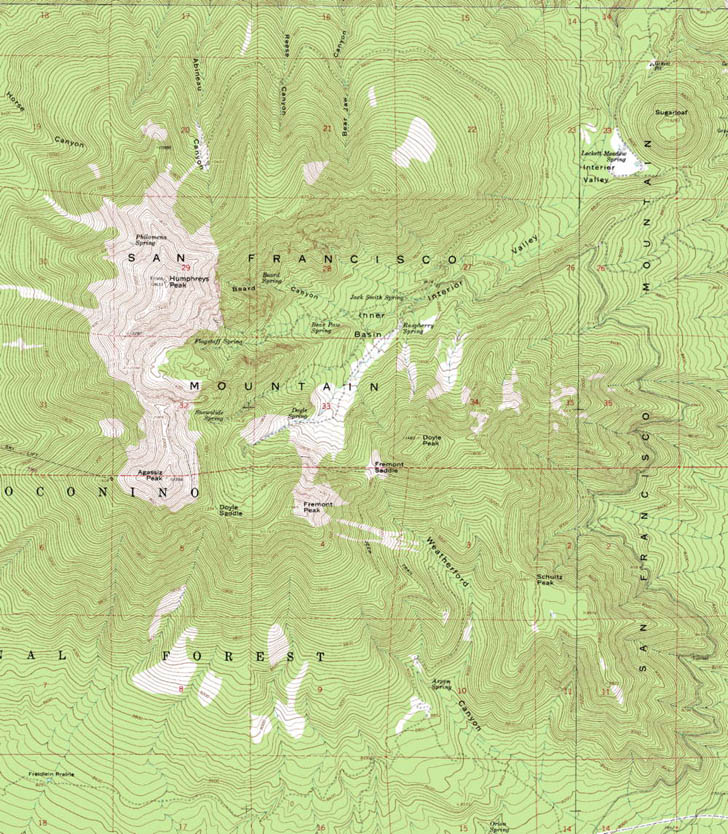
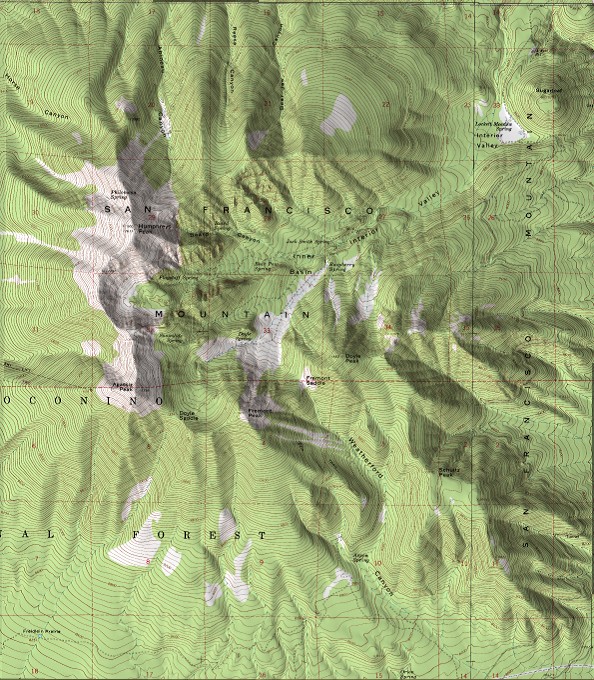
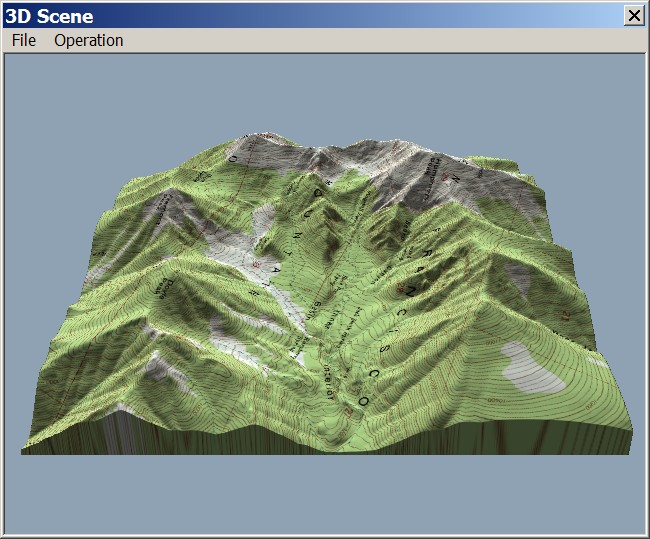
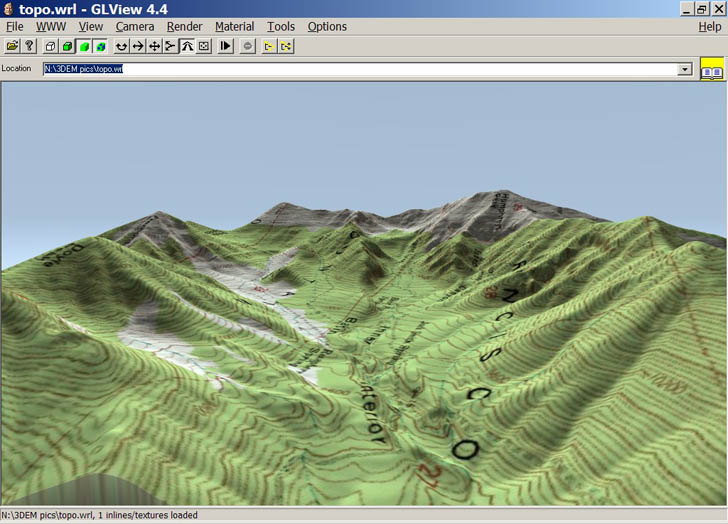
I’ve covered the program 3DEM before on this blog; it’s a first-rate 3D terrain visualization program, and does the best out-of-the-box map relief shading of any free program I know. Here’s a standard USGS topo shaded with a digital elevation model using this program:
Unfortunately, the author, Richard Horne, has ceased developmentof the program, and shut down the website permanently. But he’s graciously given me permission to host the last version of the program (version 20.7) here on Free Geography Tools; you can download it here. It comes with a full PDF manual, and my posts may offer additional insight on using it. I can offer some limited help if you run into problems, but any bugs in the software are there to stay.
Download Squad posts that Bryce 5.5, a program that creates photo-realistic landscape renderings and animation with vegetation and realistic skies, is available as a free download (registration required to get a free serial number). While it lets you create your own topography, it also accepts DEMs as input for the landscapes. This is one version below the current 6.1 release, but is still feature-rich. Unfortunately, it also has a very idiosyncratic interface that takes a lot of getting used to. Here’s a review of the program from PC Pro, with some screen shots.
There are other free programs for realistic landscape rendering, with some limitations compared to Bryce 5.5 but also somewhat easier interfaces to navigate:
Genesis IV: Available in a freeware edition for personal use, as well as several paid versions.
For general map relief shading, my first choice is usually 3DEM, since it usually gives the best results. But MicroDEM also does a decent job at terrain relief shading, and has a few other shading options that 3DEM lacks.
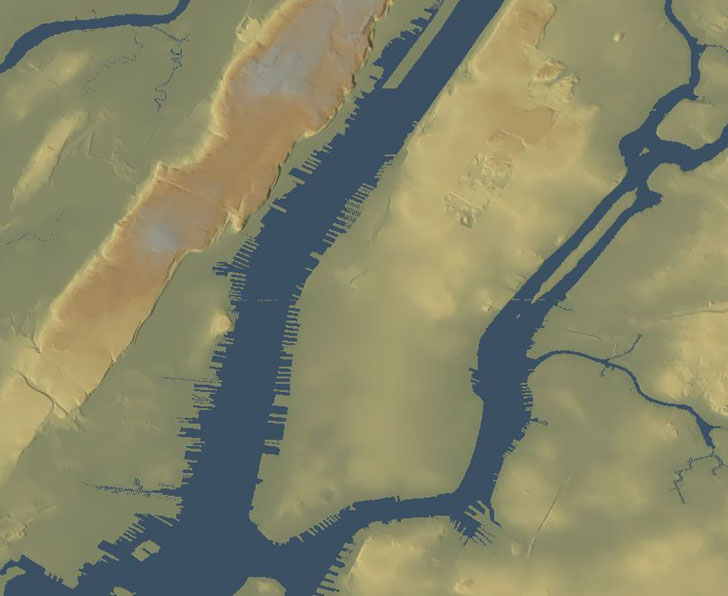
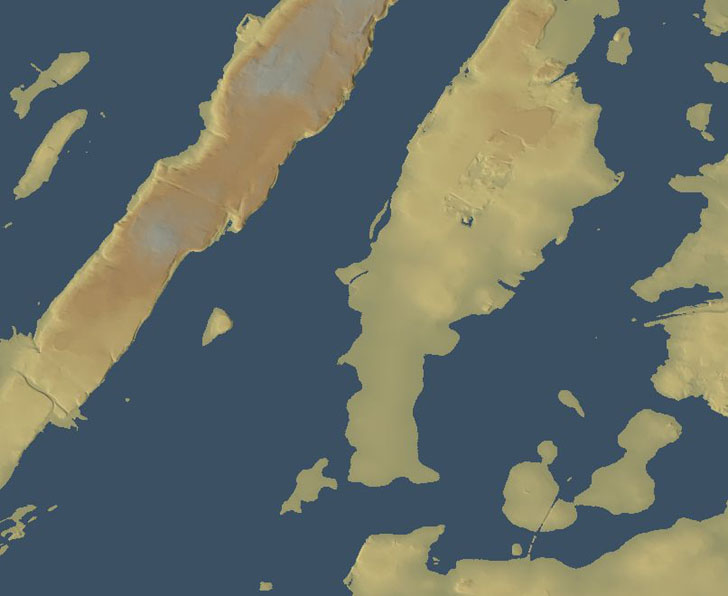
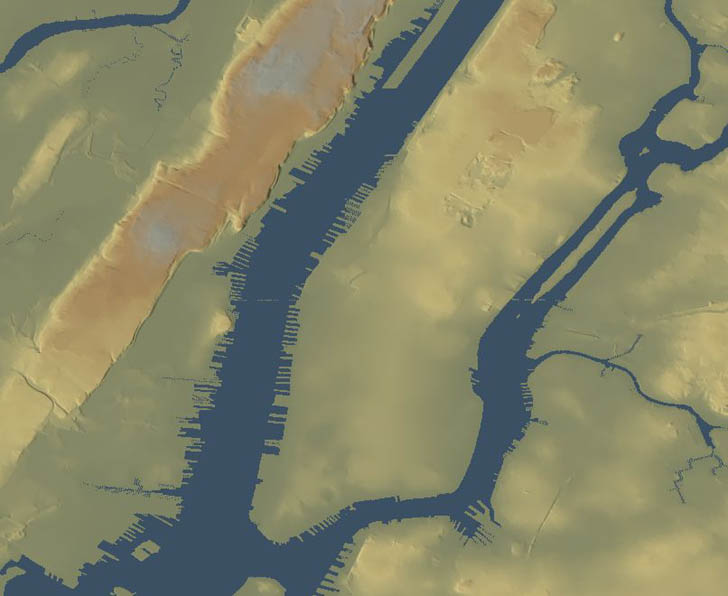
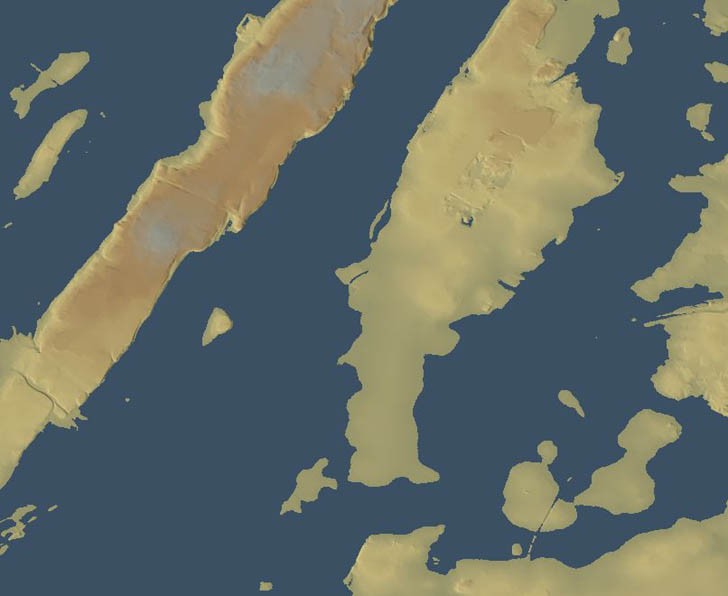
And here’s what it would look like with 8 meters of flooding, due either to a hurricane storm surge or global-warming-induced sea level rise:
The problem with the latter image is that 3DEM did a basin flood, i.e. it filled in all the terrain that was less than 8 meters below sea level, without taking topography into account. For example, a range of hills could lie between some lowlands and the sea, but 3DEM wouldn’t take that natural dam into account. But I also posted an animated flooding map of the same area that did take that terrain blocking into account (click on the “play” button to view the animation):
Today’s post will show how to create such a flooding animation.
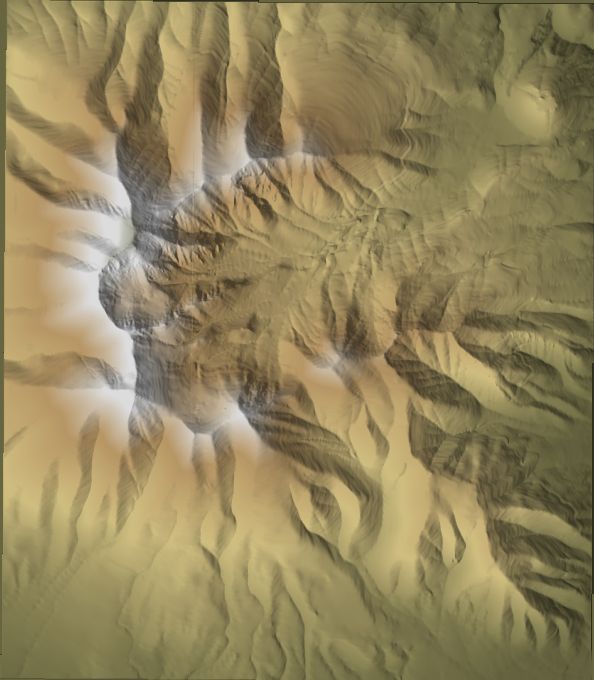
Yesterday’s post dealt with the basics of installing MicroDEM, and opening up DEM terrain files in the program. Now it’s time to look at different ways to display terrain reflectance in DEM. While 3DEM is better for some kinds of displays, MicroDEM has more different ways to display reflectance.
There’s one last feature in 3DEM I want to talk about: the ability to create animated fly-bys over terrain, with or without an image overlay. Doing a comparable animation with Google Earth requires either the expensive Pro version, or a copy of FRAPS for $37. While 3DEM’s animations aren’t as fancy as the ones you can get with Google Earth, they’re pretty good.
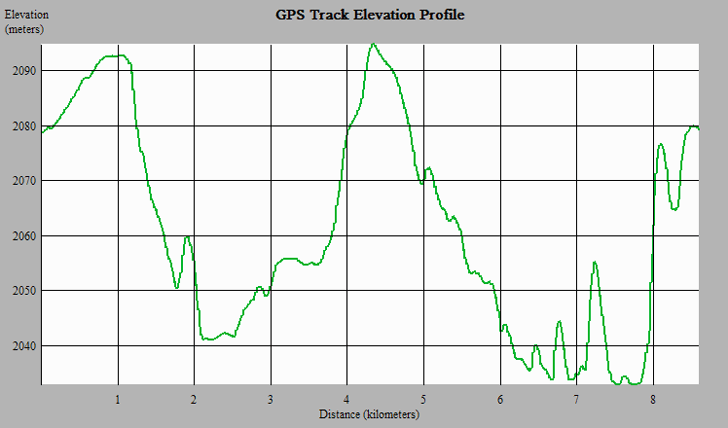
3DEM ostensibly comes with a number of GPS interface capabilities, including the ability to download waypoints, routes, and tracks, and upload waypoints created in the program. I say ostensibly because I could only get one of the features to work with my Garmin 60Cx, downloading tracks; maybe you might be able to get more to work with your GPS model. But even that one feature allows you to do something more than just display the track on top of a terrain image: it lets you see the elevation profile for the entire track.
Contents of the Free Geography Tools Blog copyright 2007-2018; all rights reserved.
Determining the accuracy, reliability, validity, or appropriateness of any of the software or data written about in this blog for any uses is the sole responsibility of the reader, not the authors of the blog posts. The blog authors have no liability for any uses of the software or data described here.
Shopping at Amazon through the link below helps support the site. Thanks!