

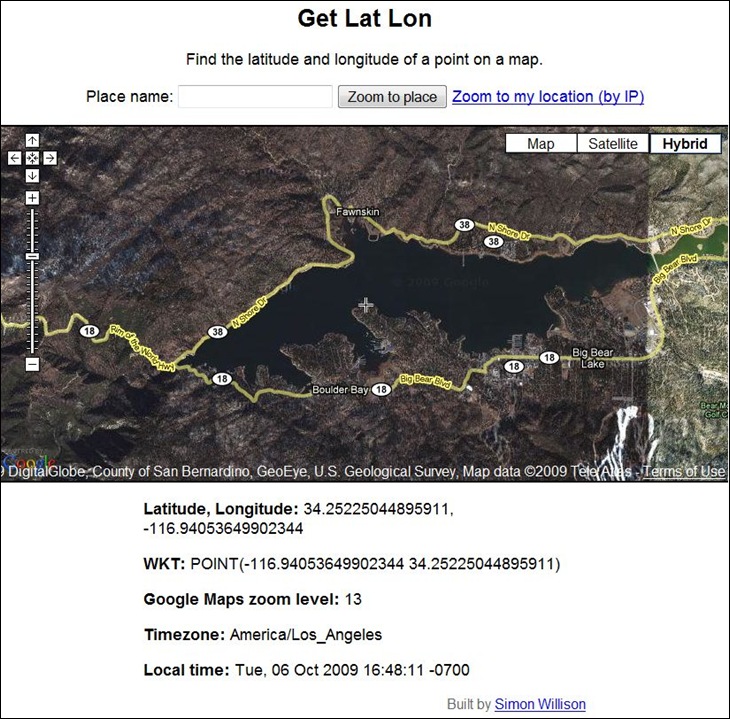
GetLatLon pretty much does exactly what its name implies – gives you the latitude/longitude of a point in a Google Maps interface. A crosshair at the center of the display marks the position for which coordinates are given at the bottom:
Digipoint can perform the same function, plus many more, but if all you need is a coordinate position, GetLatLon has a stripped-down simplicity that makes it easier to use. Just keep in mind that coordinate positions in Google Maps can be tens of meters off from the true position (see here and here).