

Microsoft Live Labs’ beta Pivot software lets you slice, dice, analyze and examine data, including geographic data, with a unique, animated visual interface. You can’t currently use your own data, but several sample datasets have geographic attributes, including:
- National Parks
- World Leaders
- Endangered Species
- Sports Figures
- Kiva Loans
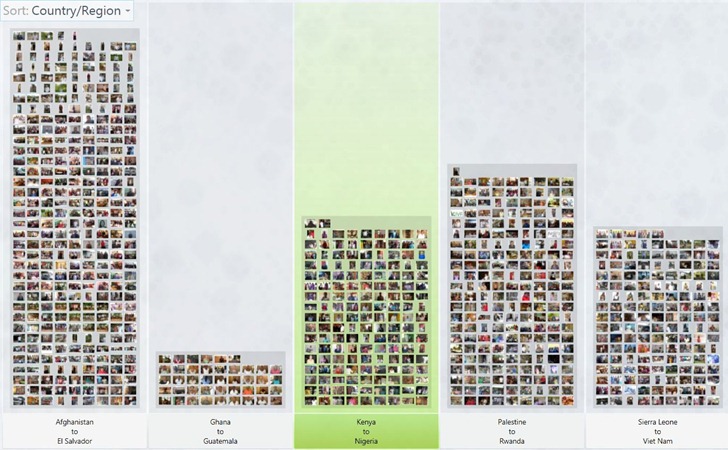
Here’s a screenshot of Kiva loans grouped by alphabetical country groups:
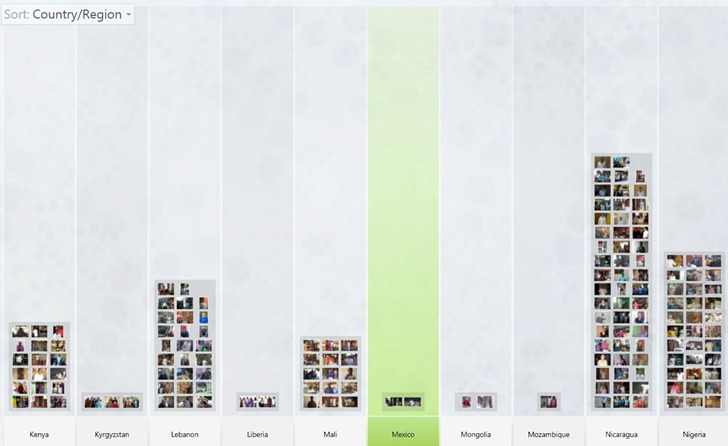
Clicking on a group brings up individual data for those countries:
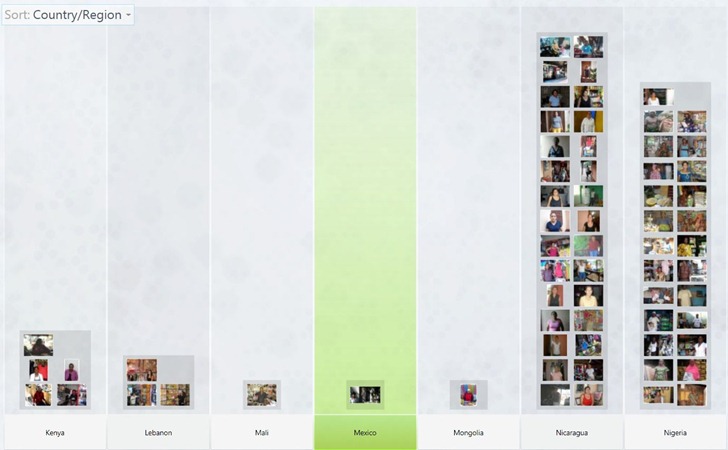
Which can then be filtered by attributes like activity, sector, amount donated, amount needed, or gender (female here):
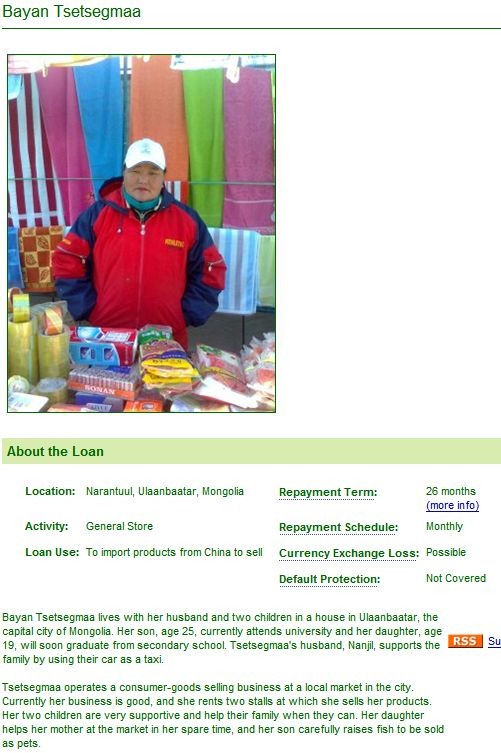
Double-click on a picture, and it brings up additional information; in this case, the Kiva web page for an entrepreneur inside the program’s own browser:
Here’s a video from TED on the program:
And a video demo from Download Squad demonstrating the program with Endangered Species data: