Stumbled across this page with a number of interesting applications using the Google Earth Plug-In, that might prove useful for someone trying to learn what it can do. Click on a directory name, then click on the .html to start up the application; right-click on a file to save the code to your computer for examination/modification. Among the apps are:
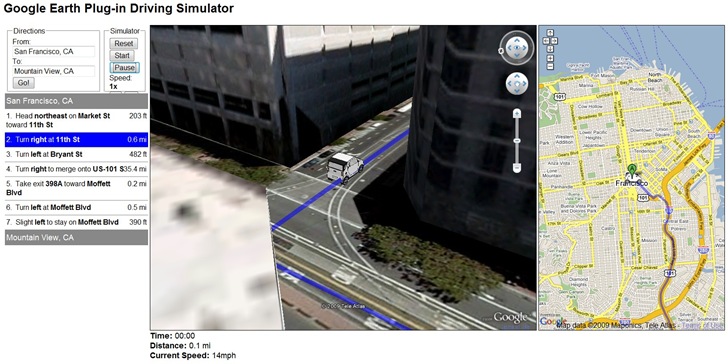
The Google Earth Driving Simulator: Enter a start and finish destination, and a miniature car will drive that route in the Google Earth Plug-in, and also in an adjacent Google Maps interface (Firefox only, apparently):
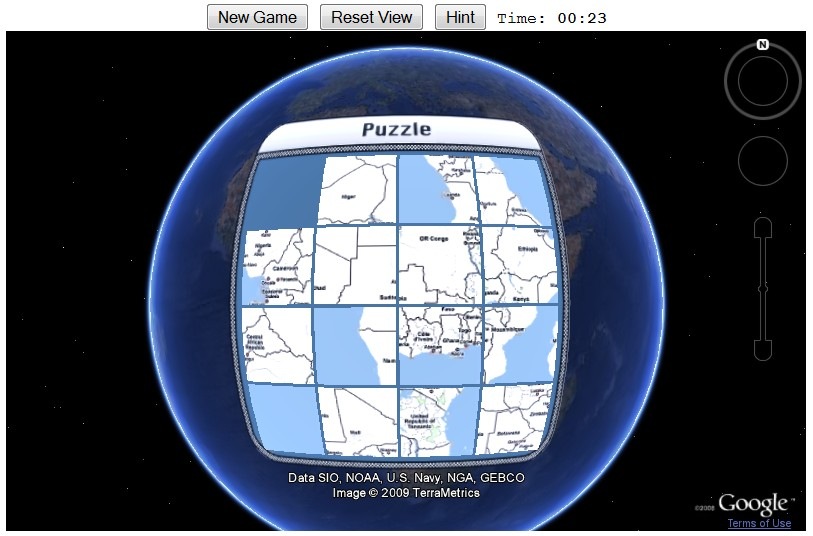
Sliding Tiles Puzzle: Click on tiles of Africa to move them to the empty square, ultimately putting them in the right order to re-assemble the continent (a version of the old Sam Loyd 15 tile puzzle):
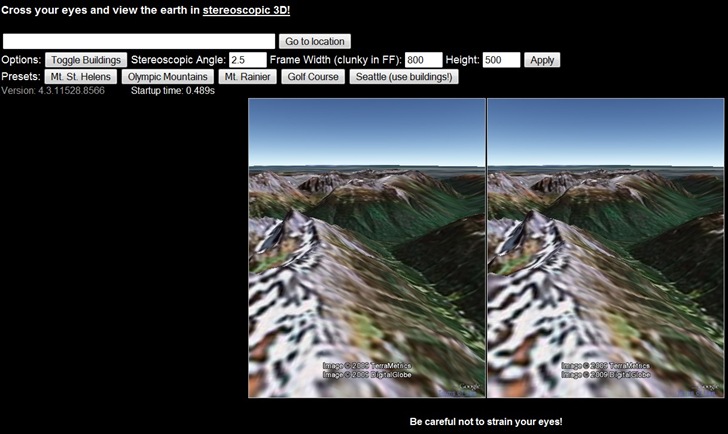
Stereo: Open two views of the same area, but at slightly different angles; if you can cross your eyes right, you’ll get a stereo effect. My eyes are a bit too old to get it to work :(.