

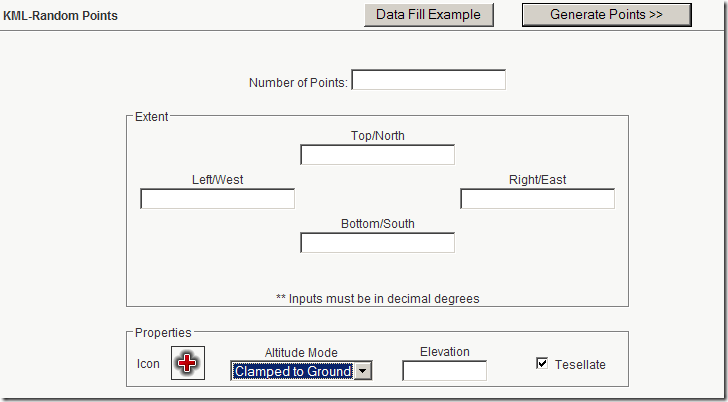
To go along with its new KML grid creator, Zonums Software also has a new web app that generates a randomly-distributed set of placemarks in KML for use in Google Earth and other compatible apps. Enter latitude/longitude limits for the area along with the number of points and other parameters in the web form:
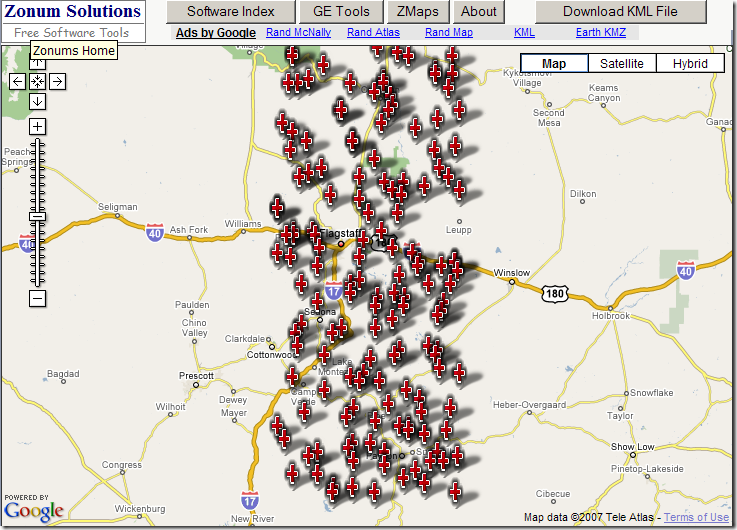
Click on “Generate Points”, and get a Google Maps view of the random points:

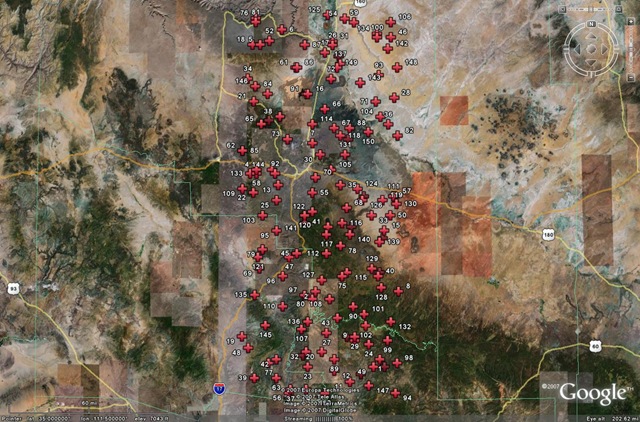
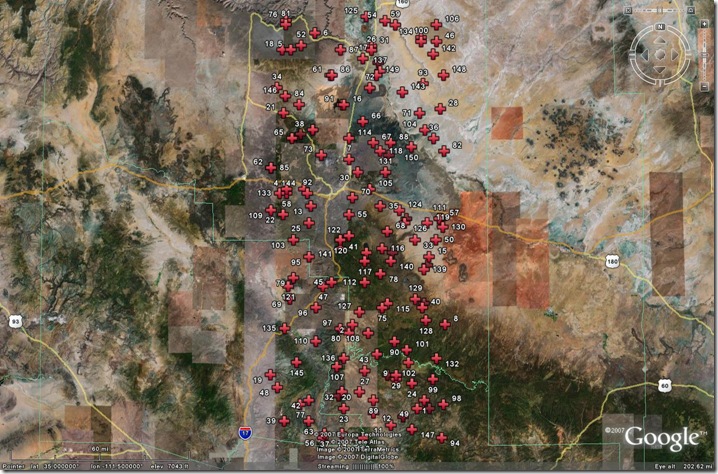
Click on “Download KML File”, and the KML code is generated and displayed in the browser. Save the page as a KML file, and you can open it in Google Earth:
Randomly-distributed points are often used for statistical sampling purposes. While KML may not be the ideal format for that application, this is at least a convenient way to generate them. If you need them in a more conventional GIS format (like a shapefile), you can use Zonum’s kml2shp application to convert the random KML points into a random point shapefile.