

Once again via Ogle Earth, a nifty little tool called Elevation Mapper. Enter two positions in Google Maps, either by typing them in or clicking on the map, and get an elevation profile between the two:
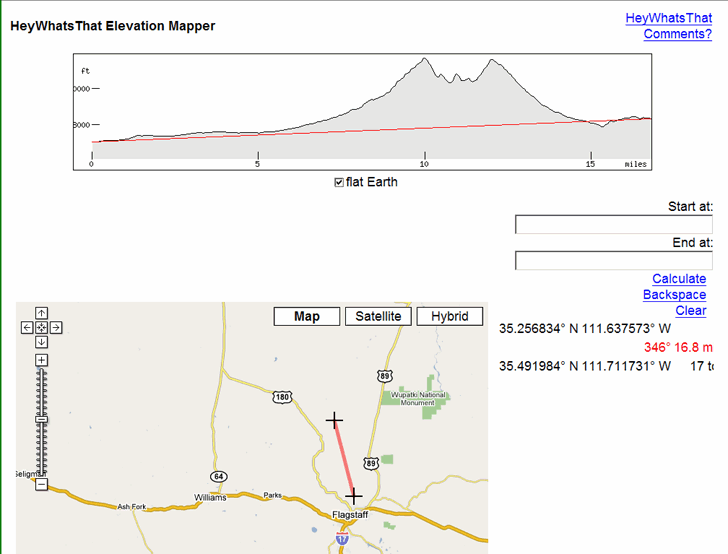
Counterintuitively, the “flat Earth” box needs to be checked for this to work.
If you have a DEM (digital elevation model) for an area, you can create a similar profile using 3DEM, either for a straight line or an arbitrary line/GPS track. With a high-resolution DEM, this would give you a more accurate profile.
Hi I’m trying to find a way to filter for us cities (or world cities for that matter) that are between 3000 feet and 4000 feet elevation… any suggestions? Thanks.
Check the blog tomorrow (4/2/09); I’ll have a post up on that.