

The Map overlays for Google Earth site (link fixed – sorry about that) lets you select a source of imagery (Google, Yahoo, Ask.com, Windows Live, OpenStreetMap), and create a KML file that overlays that imagery onto the terrain in Google Earth, with definable transparency. Note: leave the lat/long offset values at 0; these values let you offset the imagery to correct for minor errors in position, not set the initial view position. You can also download a KML file with links to all the imagery, and select the source by checking the appropriate box in the Google Earth pane. Here’s Google Maps’ terrain view in Google Earth:
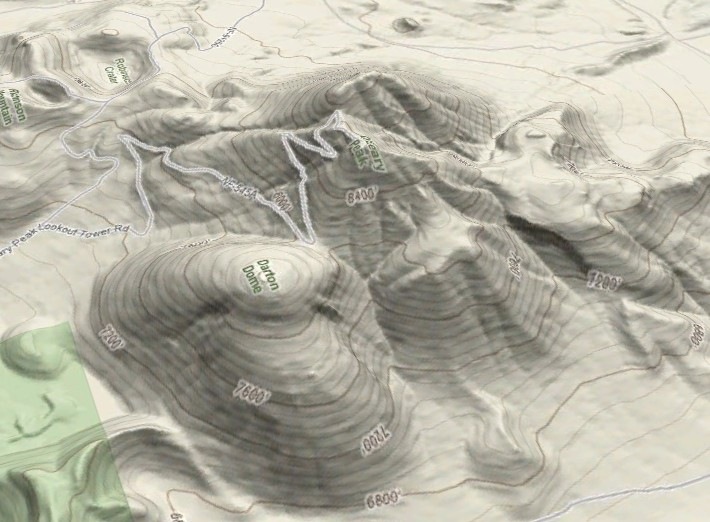
Warning: requires large and ever-increasing amounts of system memory (I wouldn’t try it with less than 2GB), will stress your CPU heavily, and loading in full-resolution imagery at high zoom levels can take a long time.
The maker of this tool also has a free software program called GMaps for Java J2ME-enabled mobile phones that displays imagery from Yahoo! Maps, Windows Live Local (MSN Virtual Earth), Ask.com, Open Street Map and other sources, and interfaces to internal/external GPS receivers.
You describe it, but don’t link to the actual KML generator or even say what it’s name is.
I think this is the website described in the article.
http://www.mgmaps.com/kml/
Matt, check this :o)
http://www.mgmaps.com/kml/
I’m pretty sure that app or the use of kml’s created from it it violates a lot of terms of use/service.