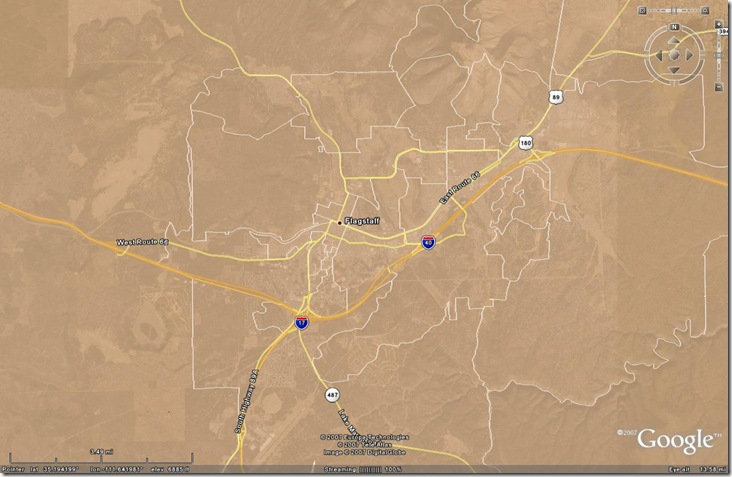
Bruce Ralston, author of the free TIGER to shapefile conversion utility tgr2shp, has a new program called tgr2kml that converts US Census TIGER file polygons (but not points or lines) into KML files. It works on TIGER files from 1994 to 2006 Second Edition (future TIGER data will be issued directly in shapefile and web formats).
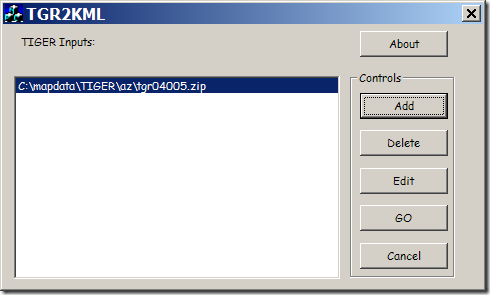
First select the TIGER files you want to process (they can be in zipped format):
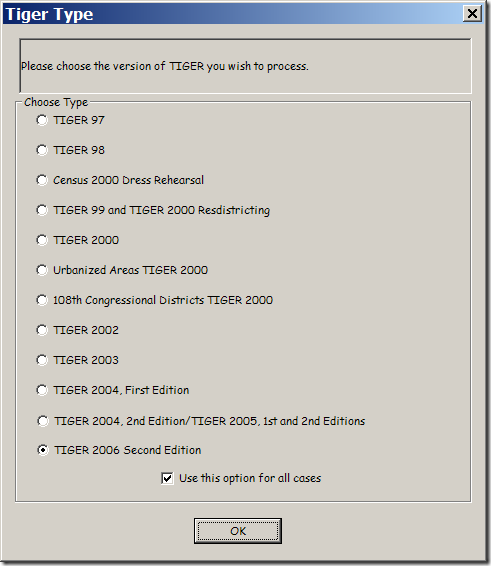
The first time you select a file, you’ll be asked which format the data is in (typically by year); all subsequent files need to be in the same format:
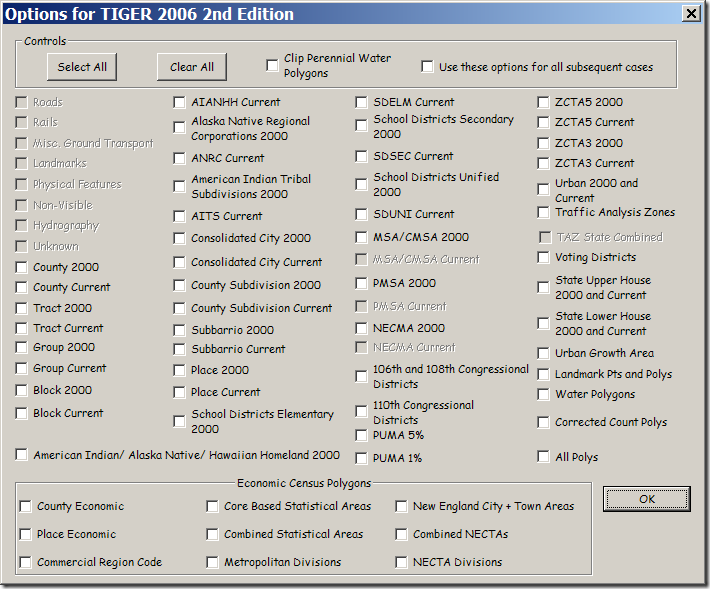
Then select the polygons you want to create a KML file for; a separate KML will be generated for each type:
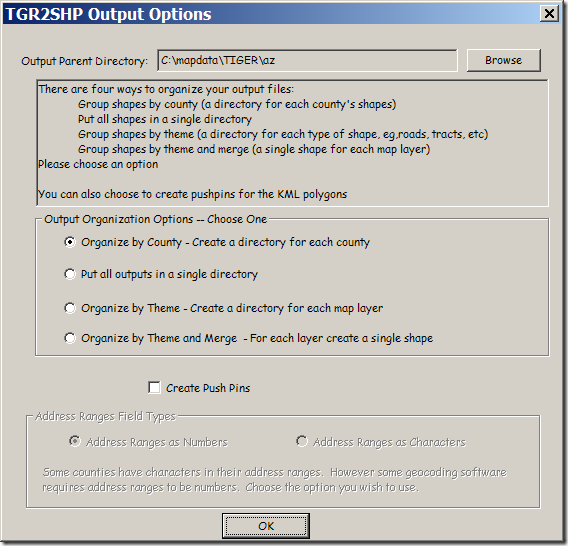
When you’ve selected all the files you want, click “Go” in the top window. You’ll have the option to specify the output directory for the KML files, and also how to organize the data (by county, theme, or all together):
Click OK, and the selected polygons will be converted to KML files, like this one for voting districts: