

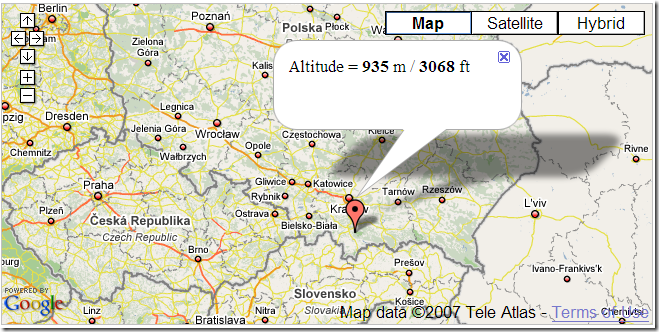
As a demonstration of their altitude information service, the Topocoding API website has a Google Maps demo. Click on a location on Google Maps, and get a placemark with altitude information for that point:
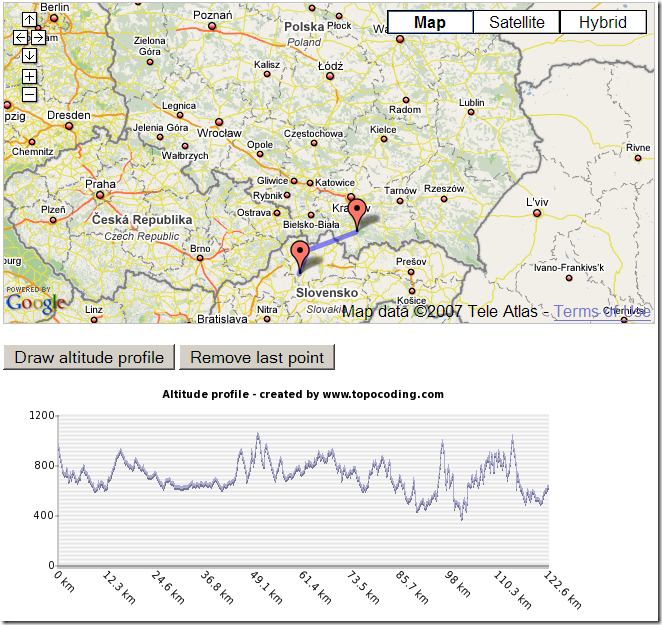
Click multiple points to get a path, and you can then generate a terrain profile for that path:
It uses a combination of SRTM-90 data (roughly 90-meter resolution), and GTOPO30 (1-kilometer resolution) where other data is missing. All continents except Antarctica are included.
They’ve also created an XML Google MyMaps tool that you can add to your collection of MyMaps mapping functions; click on this link, and then click on the appropriate button to add it to your MyMaps collection.