

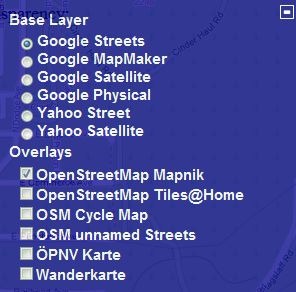
The transparent com site lets you select a base map layer from Google or Yahoo, and then overlay an OpenStreetMap (OSM) data layer on top with user-definable transparency. Zoom in to your area of interest, pick the base and overlay layers by clicking on the “+” sign in the upper right:
And see the base layer and OSM data together:
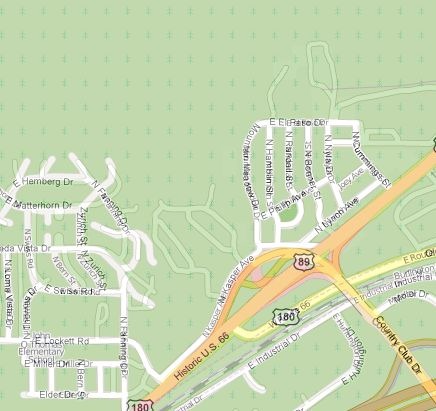
In this area, there are a fair number of roads that show up in Google Maps, but don’t show up in the OSM database; bringing up the Google Satellite view confirms that these roads actually exist:
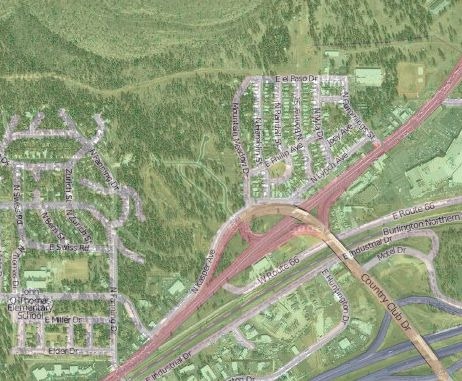
A cursory check shows that the Google Maps data is more accurate and up-to-date than the OSM data for this area. You can’t use the Google Maps data to correct the OSM maps, but this can be useful in showing you what areas need better mapping data. I’ll have a post soon on OSM editors.
HI!
I can not find link to this test page?
Regards, Bosti
Sorry – left out the site link! It’s been fixed.
That’s OpenStreetMap, not OpenSourceMap, right? ;-)
Dang – second big mistake on this post! Thanks.