

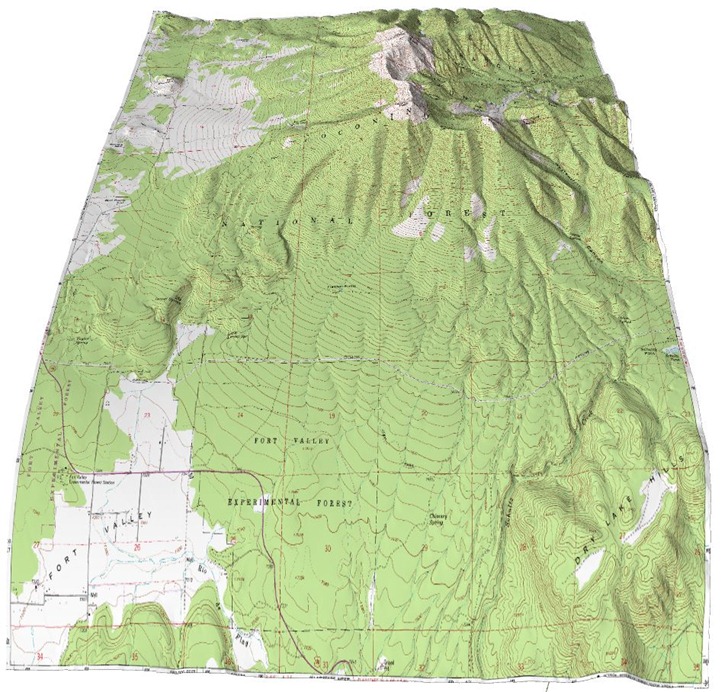
One more brief post on Terrain Bender, a program that lets you create varying-perspective terrain views, analogous to what you get looking from an airplane window: straight-down for nearby terrain, an oblique view for terrain further away:
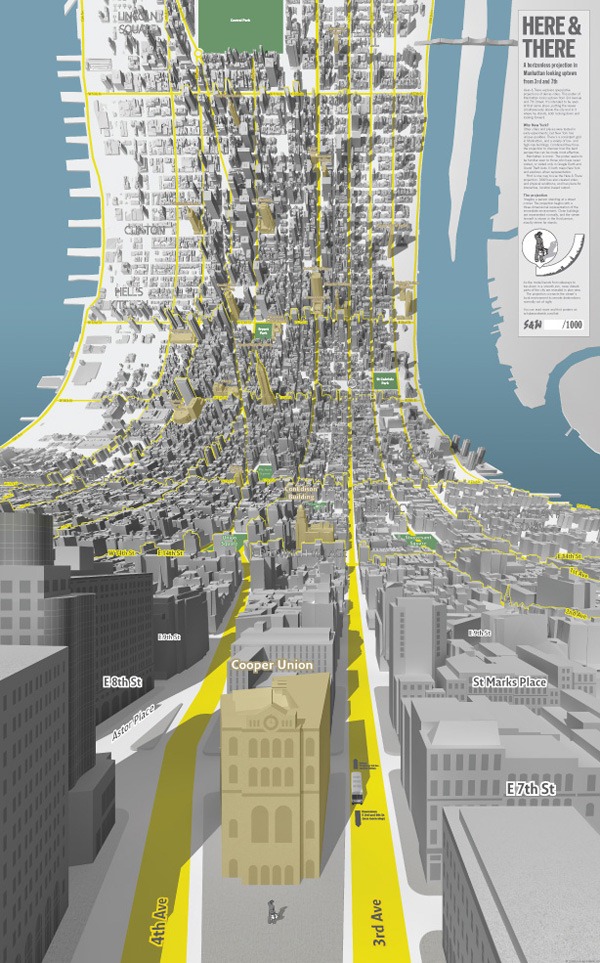
But you can flip that analogy around 180 degrees, and use Terrain Bender to generate a “horizonless projection” view. This got a lot of attention a few months back, based on this pretty cool view of Manhattan using a horizonless projection:
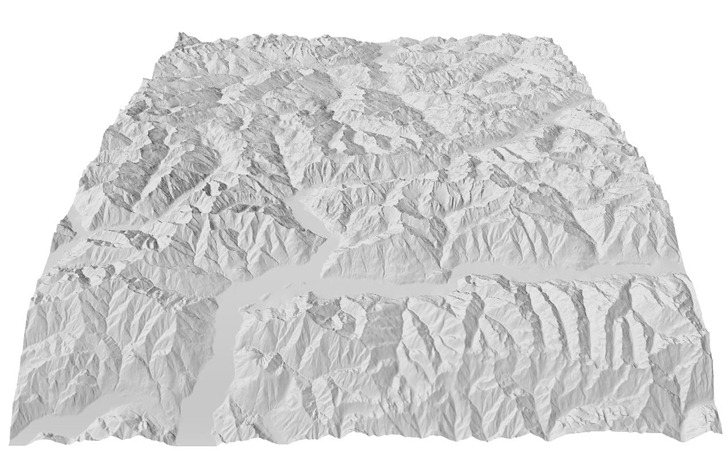
With a little work in Terrain Bender, you can get a similar terrain perspective. If you open the sample Alps data set in Terrain Bender, you get this default view:
Using this default convex bending curve:
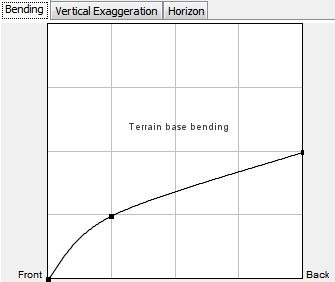
Straighten out the bending curve like this:
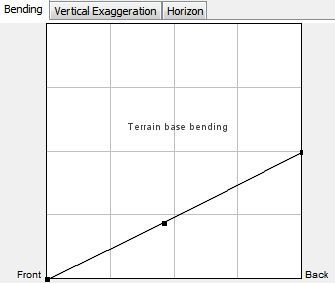
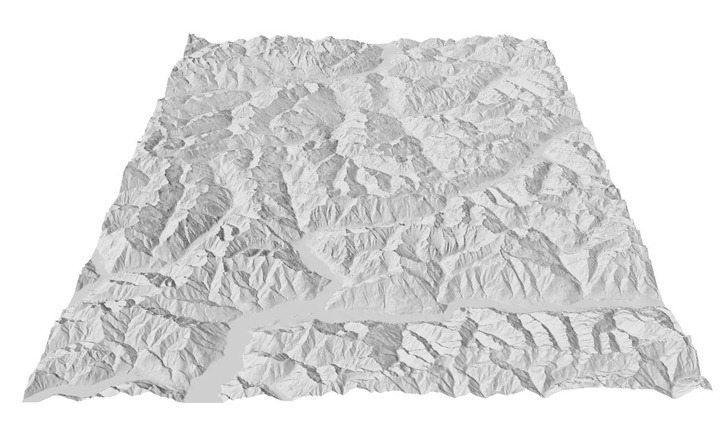
And you’ll get a classic oblique perspective view:
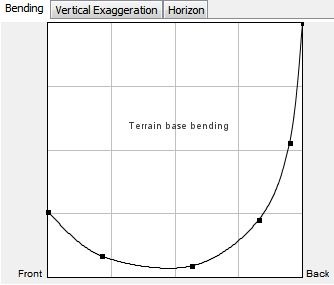
Change the bending curve into a concave shape by dragging the control points; adding some additional control points by clicking on the curve helps with control:
Some of the terrain at the far extremity will be distorted, but by modifying the viewing distance and angle, you can view mainly undistorted terrain in a quasi-“horizonless perspective”, similar to the Manhattan map:
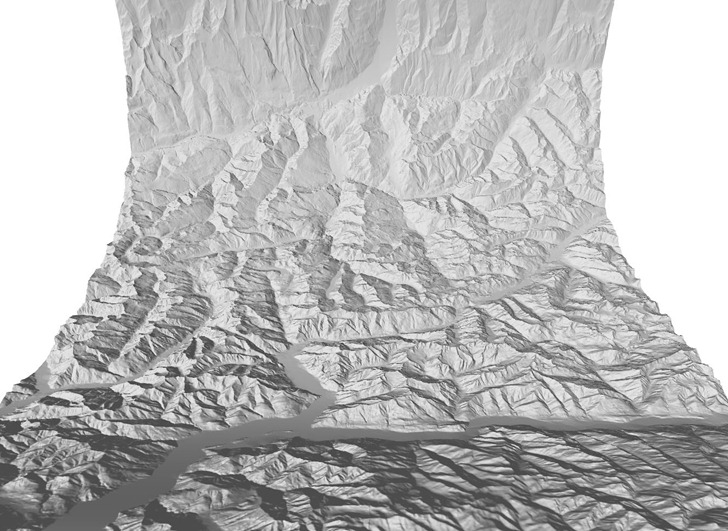
This was a quick first attempt; I should be able to do better by playing around with the bending curve and viewing angle/position a bit. If you can find a terrain model that includes buildings, and can convert it into ESRI ASCII grid format (*.asc), you might be able to produce a map that looks very similar to the Manhattan one at the top of the post. Also useful for creating maps of Ringworld, Halo, Rama, and O’Neill colonies.
Really cool, i was looking for a trick to do it, but with bender, no way to take obj, or any other 3D format … Thanks!
I tried, but the problem is that the z values are stil “Z” values and does not stay perpendicular to terrain base anymore. It gives perceptivly wrong results.