

This is one of the neater online mapping applications I’ve seen in a while. Create a list of addresses and related information in a Google Docs spreadsheet, and map a list will geocode the addresses (convert the address to latitude/longitude), and plot the location and data in a Google Maps interface:
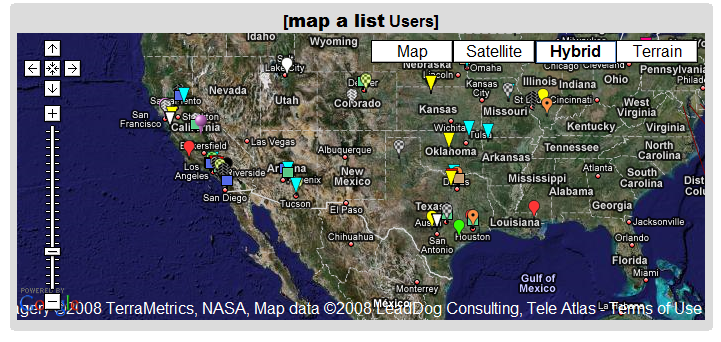
You can also export the data as a KML file for use in Google Earth.
- User-selectable icons
- Also plots latitude/longitude locations
- Includes data in other spreadsheet columns in the data bubble
- Lets you embed images and hyperlinks as well
- Data can be public or private
- As you update the spreadsheet, the map data is updated as well (daily, or on demand)
- Not a lot of documentation, but it’s fairly easy to use, and a healthy number of example spreadsheets will show you how it’s done (scroll through the list at the bottom, and click on the link to see the sample spreadsheet for each list item)
- Completely free (though they’ll take donations, and offer premium consulting services for a fee)
Definitely worth bookmarking.
1 Response to “Geocode A Google Docs Spreadsheet And Plot It In Google Maps/Earth With map a list”