

Ever get an error message when opening a shapefile like, “Number of shapes does not match number of table records”? Yeah, well, neither have I. But if you ever do have such a problem, the Shape Checker utility might be able to rescue at least some, if not most of your data. It can re-generate a new .shx index file for your .shp file, add or delete lines to the .dbf file to match the number of shapes, and if your DBF file is totally hosed, can recreate a blank DBF for that shapefile. Not great, since you’ll lose whatever data you had in that datafile, but better than losing everything.
As the web page suggests, it’s probably best to do this on a copy of the corrupted file, rather than the original itself. Run the program:
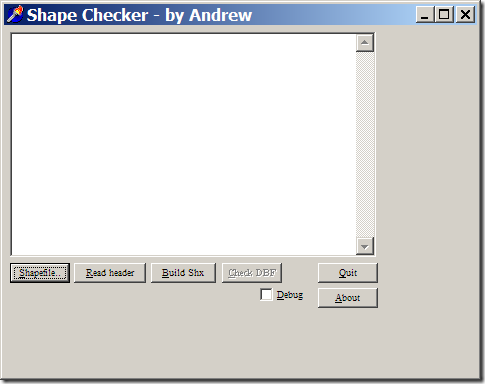
Select the problematic .shp file with the left button, then recreate the .shx file with the “Build Shx” button. You can then check the DBF file for the proper number of records with the Check DBF button; if there are problems, or if the DBF file is missing, you’ll be given the option to fix it or create a blank one from scratch. I’ve tried it on point, line and polygon shapefiles I screwed up deliberately, and it worked as advertised. The program hasn’t been updated since 1999, but the author also provides the Delphi source code if you want to modify it yourself.
saved me a number of times. I found the main cause was editing shapefiles over slow network connections.
http://support.esri.com/index.cfm?fa=knowledgebase.techarticles.articleShow&d=17791
I have also used Shape Checker to successfully repair shapefiles on several occasions.
thank you so much for this tool, it really safed my work. there were little problems because the toll created a new polygon which was infinite, but i could kick it out by choosing the proper polygons and create a new shapefile from them, so there are just a few informations missing now. so my day has a happy end now…