

I’m currently running OpenOffice only, so I can’t try it out, but “Planeman” has created an Excel macro that will create KML range circles, arrows and wedges for a list of decimal latitude/longitude points. Should be able to create these for hundreds or even thousands of points simultaneously. Pictures are from Planeman’s description. Excel spreadsheet view:
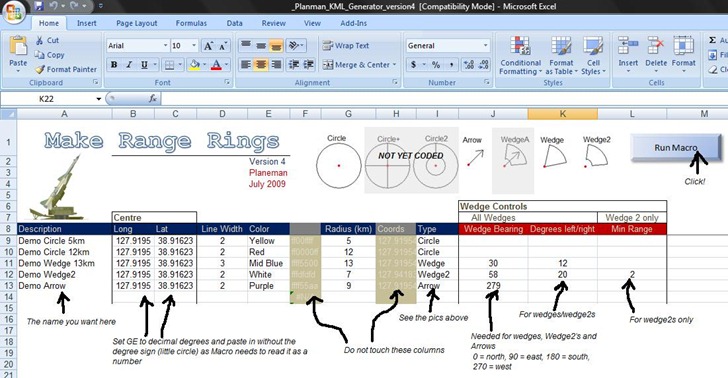
And a view of the results from the sample data in Google Earth:
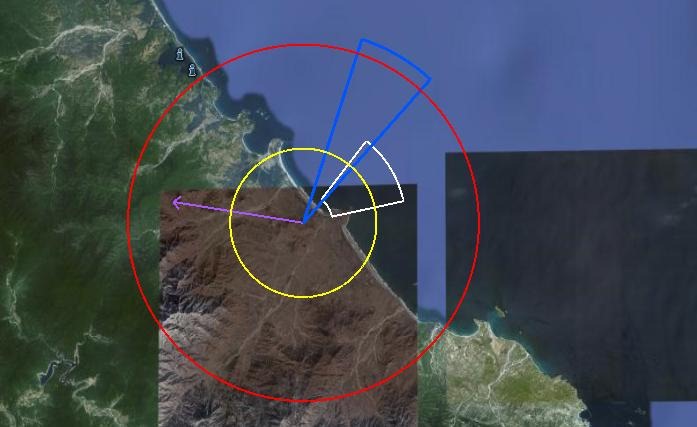
Download the spreadsheet macro at this link; be sure to scroll down to the bottom to get the latest version. From the picture above, looks like additional features are coming soon.