

Want to learn KML by example, or see examples of the features you can display in Google Earth? The Google Geo APIs team has developed a KML Interactive Sampler page that uses the Google Earth Plugin to demonstrate various features, while simultaneously displaying the KML code used to create the feature:
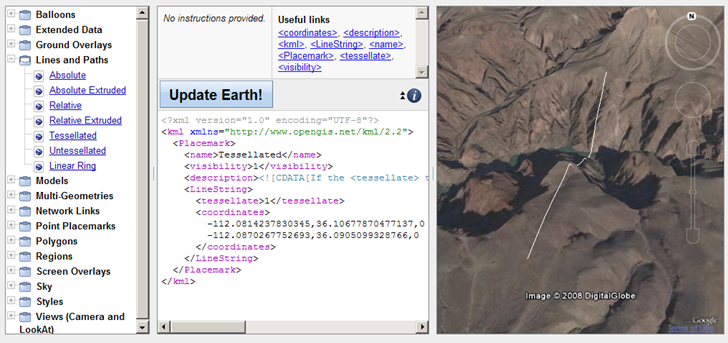
Always wondered what “tesselated”meant …
Modify the code in the text window and click on “Update Earth!”, and the displayed feature will be updated to reflect the new code. You can copy the text from the window, and then save it as a KML file locally on your computer.
Doesn’t support time yet, but neither does the Google Earth Plugin.