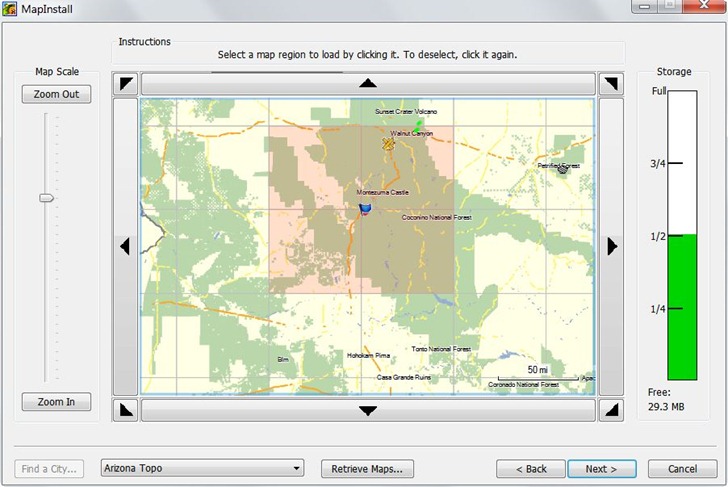
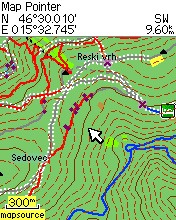
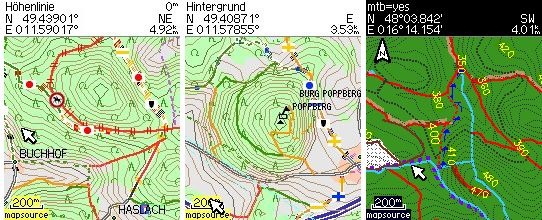
If you’ve created a custom Garmin vector map using any of the tools in posts I through XV of this series, you’ll need a way to upload them to your Garmin unit. The simplest way is to copy them directly to the Garmin folder in your unit’s memory using a USB mass storage connection, or plugging a memory card into an external reader.. For older units, you’ll need to rename the binary .img file to gmapsupp.img, and it will replace any maps you already have there. With newer Garmin models (the Colorado/Oregon/Dakota/GPSMap 78 series), you don’t have to rename them, or replace mapsets currently in memory; they will automatically show up in the list of available maps.
There’s also a number of free tools that aid in either uploading maps to the Garmin, or installing them as standard mapsets for use with Garmin’s MapSource and Basecamp software.
Map uploaders:
SendMap: From the author of the cgpsmapper compiler, and the most fully-featured map upload program. There used to be a limited free version and a paid “Pro” version, but the “Pro” version is now completely free. Features include (from the website):
- Automatic recognition of devices which are visible as USB-storage drives
- Store a file list on disk (TXT file) that can be used later with ‘-f’ option
- Support up to 2GB
- Check for available memory in GPS – now sendmap will not start the upload process if there is not enough memory
- Ability to change the ‘region name’ for every file
- Support for uploading several TYP files (customization of built in types) – TYP files are used on maps with the same region name
- Uploading of several unlock keys
- Free license for distributing the program together with maps
- Creation of EXE files merged together with maps, with user defined EULA
- Creation of EXE files with predefined expiration data
The program can be used in either command-line or GUI; I find the latter adequate for most options. PatchIMG, GPS Send Map and img2gps (previous post) are alternate GUIs to SendMap, but they were designed for use with earlier releases of the limited free version of SendMap, and I don’t think they support all the options in the Pro version.
One drawback of SendMap is that it doesn’t directly support uploading to memory cards in readers, only to GPS units. For older Garmin models with USB 1.1 interfaces, this can result in slow transfer speeds for large mapset files. But you can generate a “gmapsupp.img” file on your computer, then manually copy it into the “Garmin” folder on a memory card using a much faster USB 2.0 card reader.
MapUpload – Free .img uploader; posted about earlier. Also doesn’t support memory card uploads, but doesn’t give you the option of creating a separate gmapsupp.img file. It does give you the option of adding a .img file to the existing maps loaded on the GPS, instead of just replacing them completely.
Mapset Managers/Installers:
These install sets of .img files into MapSource and Basecamp, so that you can select and combine them with other mapsets; also may offer other features, like the ability to uninstall a mapset. They are graphic front-ends to the cgpsmapper/cpreview compiler program; you’ll need to have at least the free version installed in order to use them.
MapSet Toolkit: The best tool out there; covered in an earlier post, but now with even more features, like an interface to the GMapTool program. Still under active development.
GPSMapManager: An alternate mapset installer; no longer under active development, and MapSet Toolkit is much better.
The GPS File Depot has a tutorial on how to create PC and Mac installers for mapsets, in case you want to distribute your map files in a more user-friendly format.