

In a previous post, I gave a random overview of LandSerf’s strong terrain analysis functionality. But it has some some useful vector functions as well, some derived from or related to raster elevation data, others more general. I won’t talk about the general vector data creation functions here; they’re perfectly fine, but lots of free GIS program can do that; instead, I’ll just highlight a few of the more distinctive vector functions that aren’t as common. Note: Save the derived vector data if you want to keep it; LandSerf doesn’t save created, modified or derived datasets automatically.
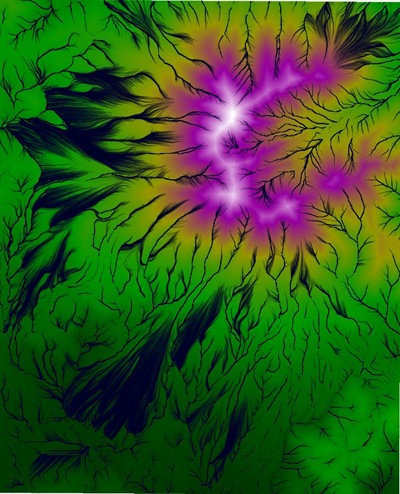
Flow accumulation: Under Analyse=>Flow accumulation, creates a flow accumulation surface from the DEM, and with the vector option selected, generates a vector dataset that shows the likely flow of water over a surface.
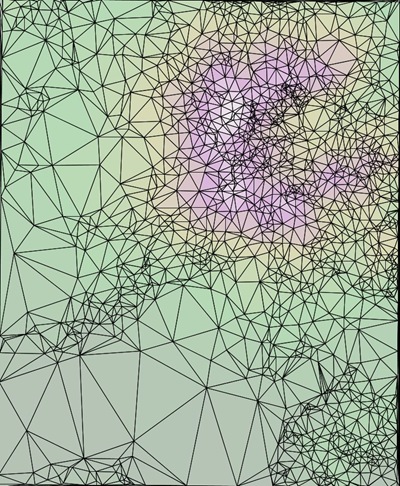
DEM To TIN: LandSerf can convert a raster DEM to the vector Triangulated Irregular Network format (Transform => DEM to TIN); it can also do the reverse, TIN to DEM.
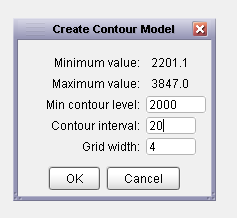
DEM to contours: Converts a raster DEM to vector contour lines. While I prefer dem2topo, that requires the installation of the IDL Virtual Machine, which is a pain; LandSerf is stand-alone. Set the minimum contour level, and contour interval:
And get vector contour lines derived from a DEM:
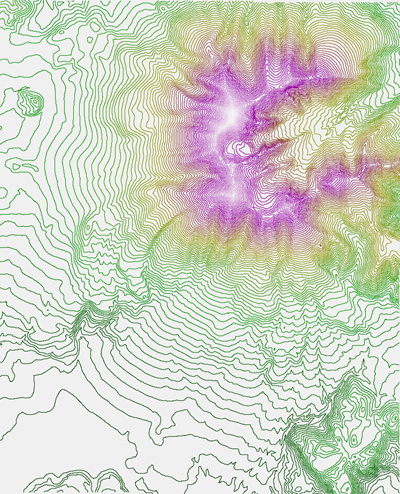
Then save them in the vector format of your choice.
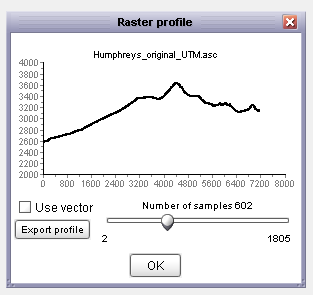
Elevation profiles: With a DEM loaded, you can select the Profile function, then draw a straight line across any part of the DEM by clicking and dragging to get an elevation profile across that line:
But if you have a vector feature loaded on the map:
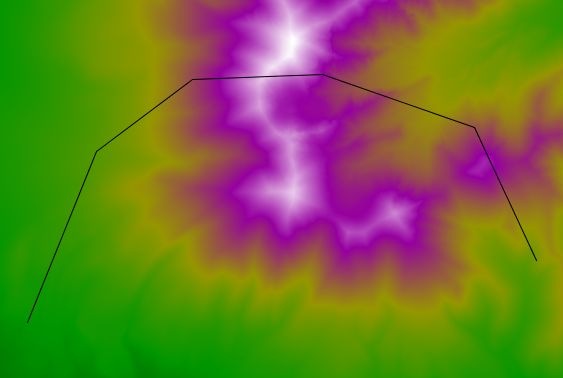
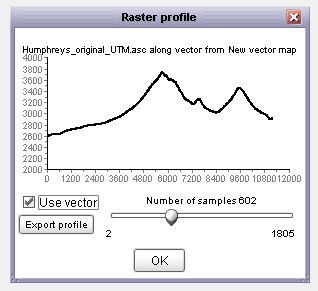
By checking the box marked “Use vector”, and clicking on the vector feature drawn on the map, you can get an elevation profile over the length of the vector:
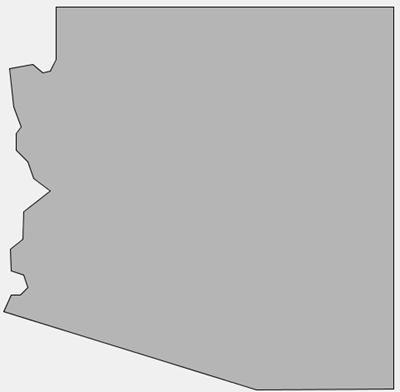
Simplify vector map: I’ve posted previously on MapShaper, a website that lets you upload an area or line shapefile, then run it through a simplification process that will reduce its size by eliminating vertices to a specified level. But MapShaper has a maximum size limit of 16 MB for an uploaded shapefile, requires an Internet connection, and occasionally flakes out. While it has less functionality than MapShaper, LandSerf also has a vector data simplification function, accessible from the Edit menu when vector data is loaded in the program. Select your vector dataset, Arizona in lat/long here:
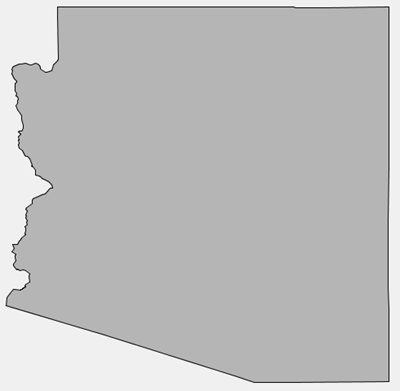
Select the length of the largest feature to be removed by the simplification process, in the shapefile’s coordinate units (degrees here):
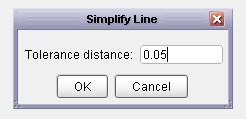
And LandSerf runs a Douglas-Peucker line simplification algorithm:
Shapefile reprojection: As long as the original data is in WGS84 or a near-equivalent (like NAD83), and you have specified the shapefile’s coordinate system using a process similar to that for raster data, you can reproject a shapefile to one of the supported coordinate systems in LandSerf. But I’ve found that re-projections from a substantially different datum like NAD27 to WGS84 don’t always work correctly in LandSerf. Because of that, I’d recommend sticking with a more full-featured shapefile coordinate converter like MapWindow.